Create a dynamic talk
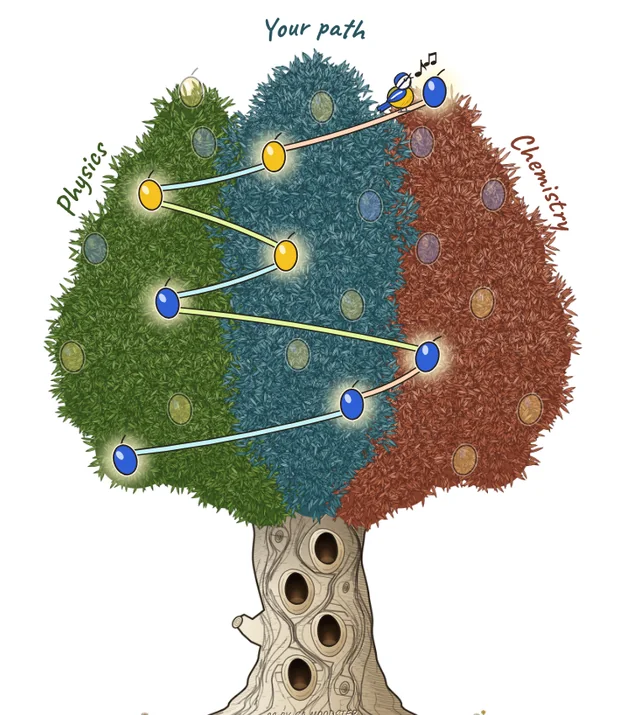
You prepare the questions. The audience chooses which ones get asked. With each vote, their choices trace a path through a tree.
You prepare the questions. The audience chooses which ones get asked. With each vote, their choices trace a path through a tree.
An interview-style talk where the audience holds the thread. Here, an imaginary interview with Marie Curie.
1
Three themes and about twenty questions, written before the event.
2
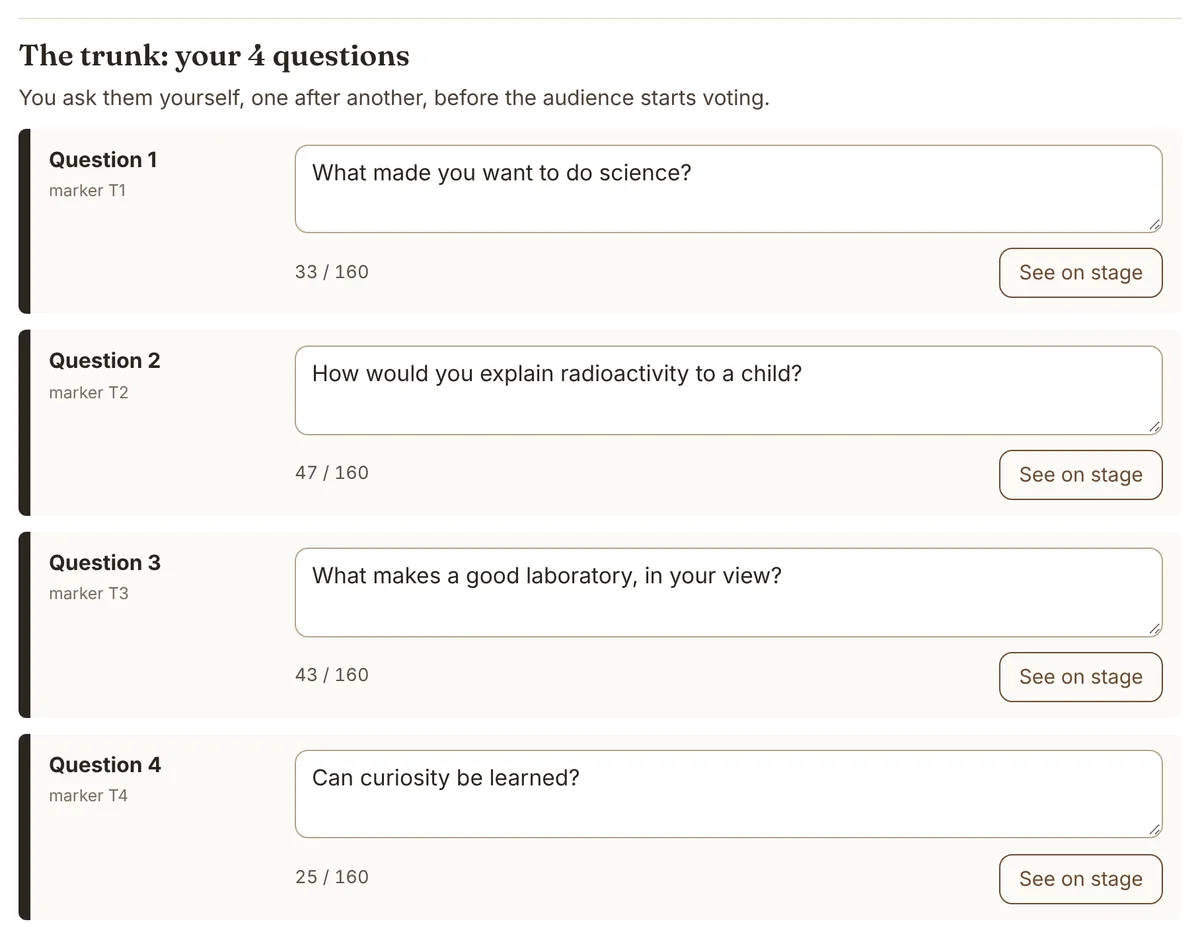
The host asks the guest four questions. You can skip this step and use only the audience Q&A. It can also serve, depending on how your event is set up, to introduce round-table speakers, the different stages, and so on.
3
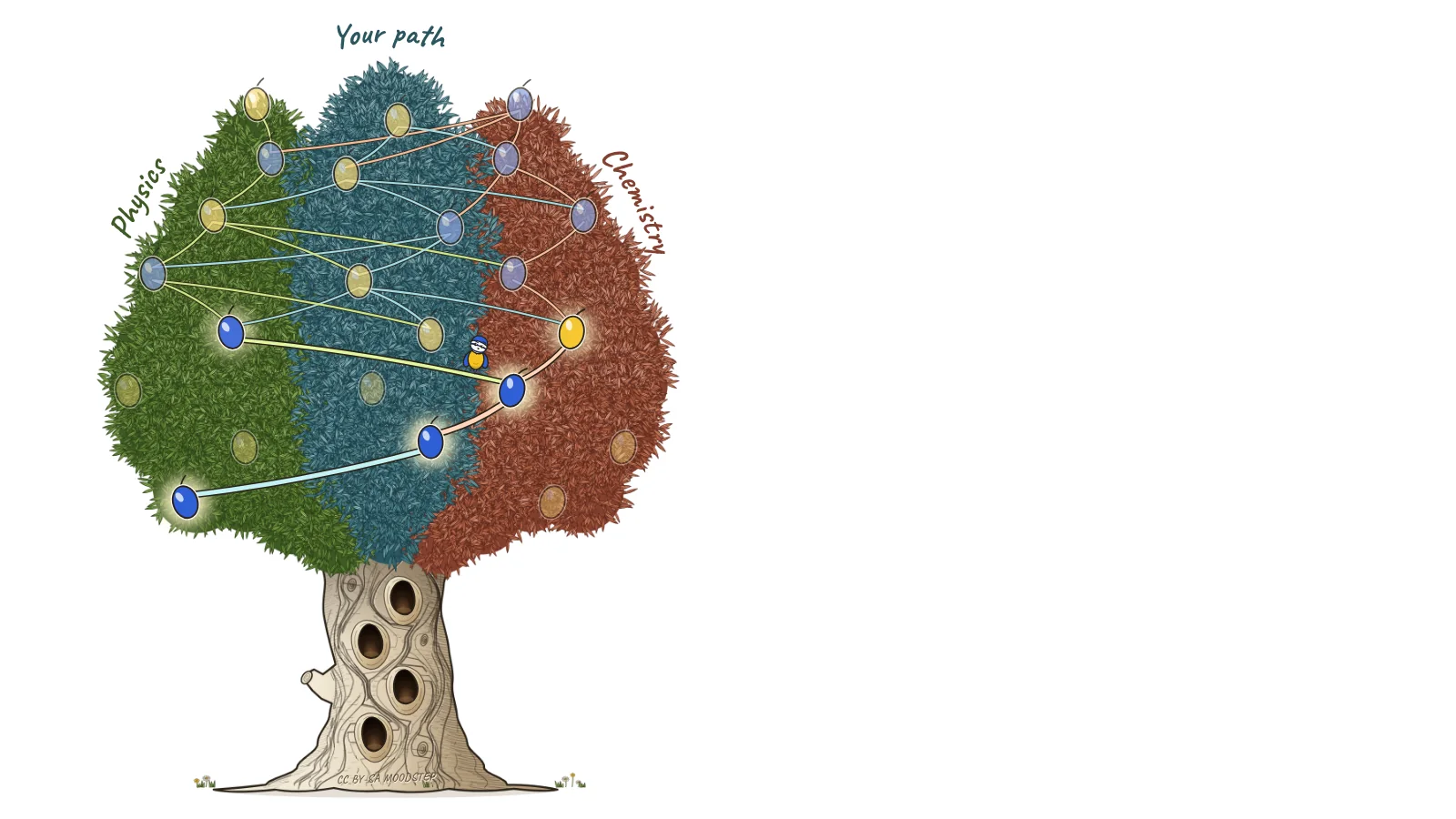
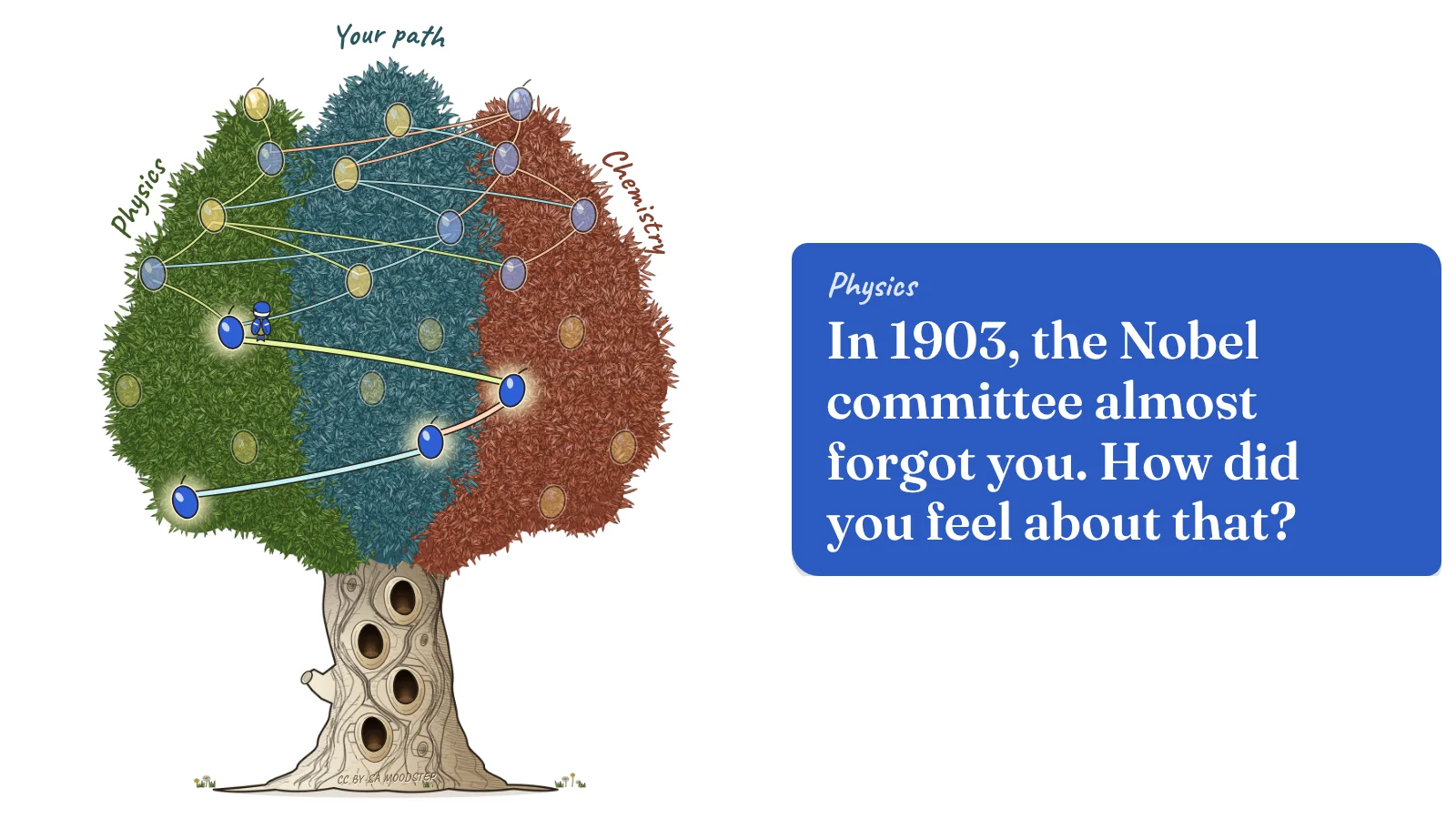
At each stage, two questions. The room votes, yellow or blue.
The common trunk
Before any vote, the host asks the guest four questions.
They put the whole room on the same page. The guest lays out their thinking, and the audience gets into the topic.
With each question, the blue tit climbs one hollow up the trunk. Once it reaches the top, it flies off into the leaves: now it’s the audience’s turn.
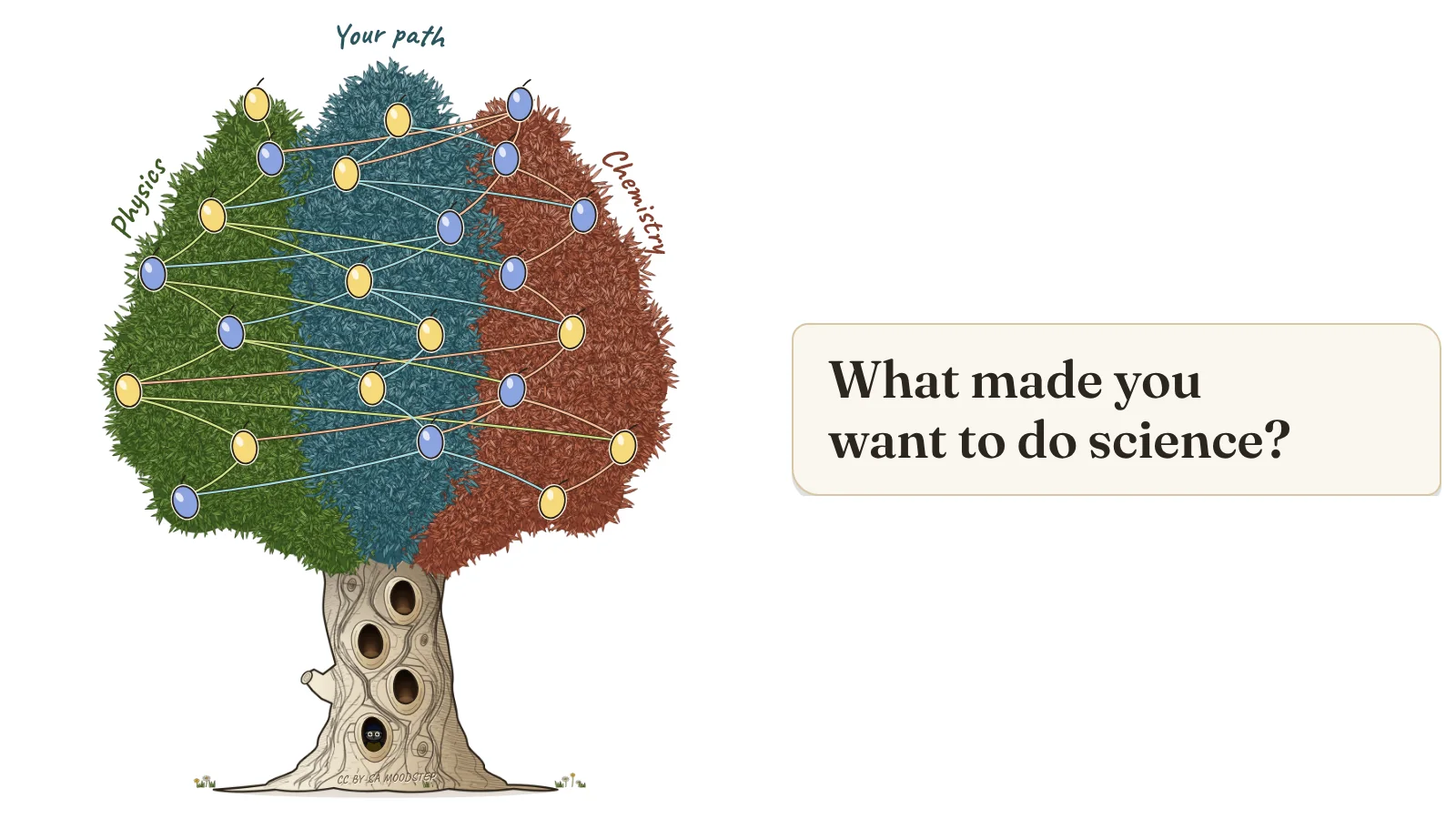
The blue tit waits in the first hollow.
The vote
Everyone gets two cards, one yellow and one blue. No phones, no app to install.
One of the two questions stays in the same theme, the other switches. The audience decides whether to dig deeper or go somewhere else.
At the end
After the last vote, the tree shows the path of the evening, olive by olive. The blue tit sings.
With the same tree, another audience would have taken other branches. And heard a different talk.
If there’s time left, the host draws a bonus question from the ones that weren’t asked. And a PDF keeps a record of every session.
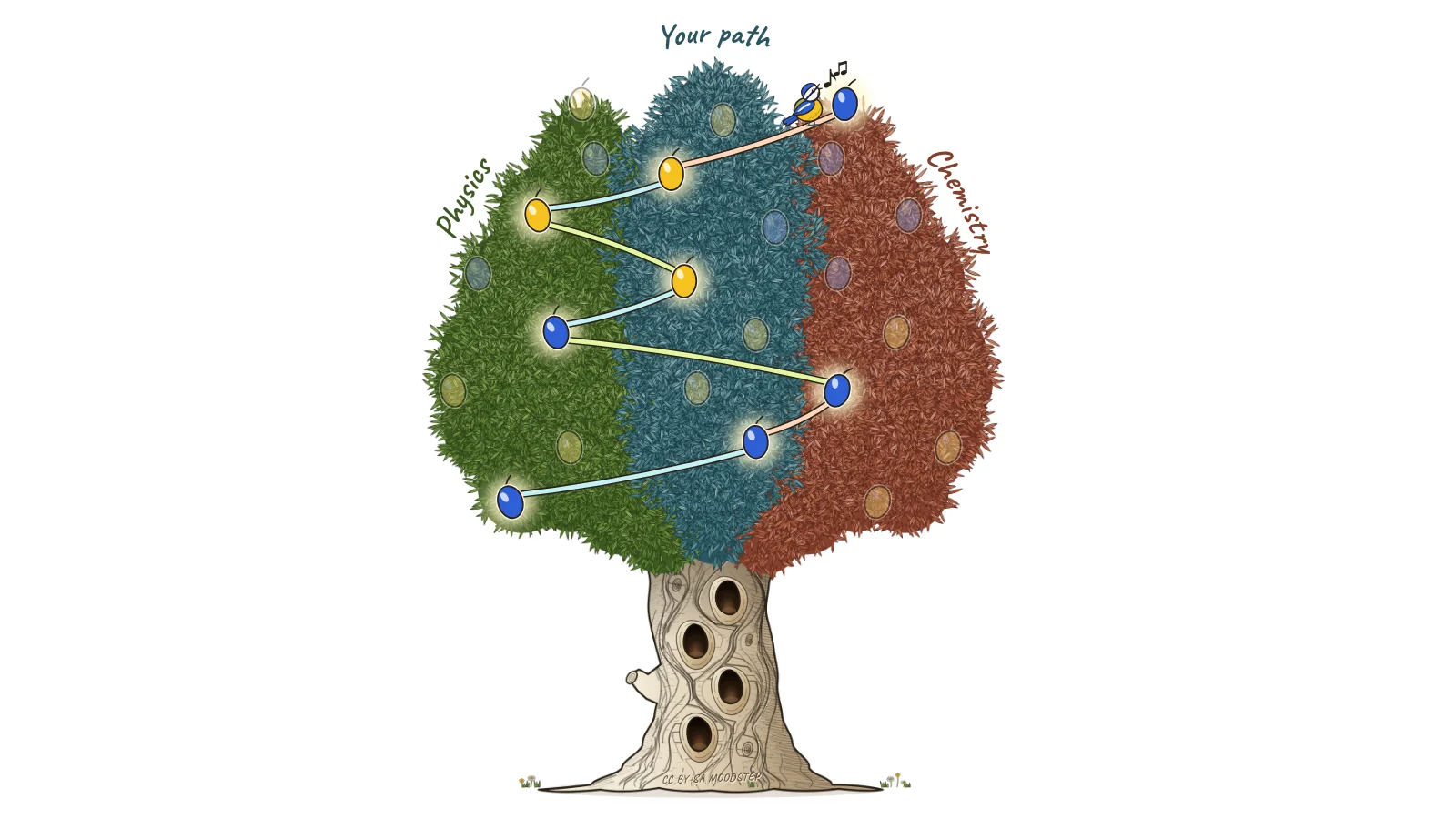
A path that goes through all three themes.
Before the event
Choose your tree, name your themes, write your questions. A preview shows each question exactly as it will be projected. You can send out a form before the talk to collect questions from the audience.
Your tree is saved in a file. You can keep it, edit it, or lend it to someone.
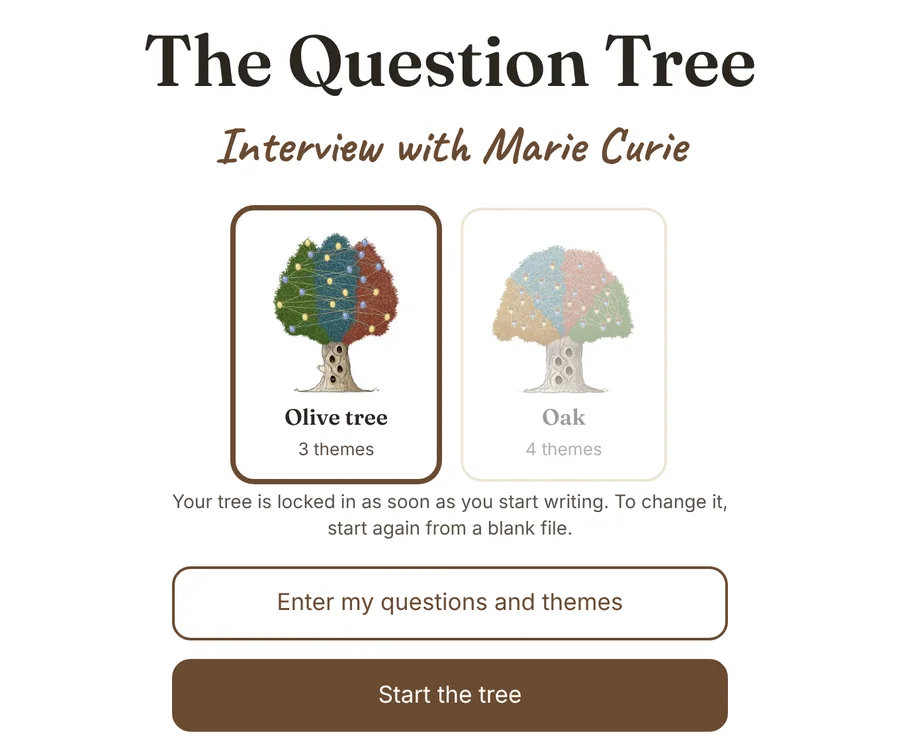
The olive tree and its blue tit, 3 themes. The oak and its squirrel, 4 themes.
Nothing gets sent anywhere. No account, no tracking.
Talks, workshops, classrooms, debates among friends.
Free and open
The file is hosted on GitHub, a site where people share free software. No need to go there: the button downloads it directly.
Nothing to install, no account to create. It all fits in a single file. It works on Mac and PC, and even offline on the big day. It’s available in seven languages: English, French, Spanish, German, Italian, Portuguese and Dutch.
Curious about the code or the full user guide? See the project on GitHub
The tree keeps growing
The tool gets better the more people use it. An idea, a question, a bug? Write to me.
The Question Tree is a Moodstep creation · Code and drawings under the CC BY-SA 4.0 license